Zephyr prepares the work around your work.
A little less on your mind.
Your inbox and calendar, quietly turned into replies, follow-ups and next steps ready for you.
Zephyr gets the next step ready, so you can get on with your day. You always have the final say.
Works with Gmail and Google Calendar · Free preview · No card needed
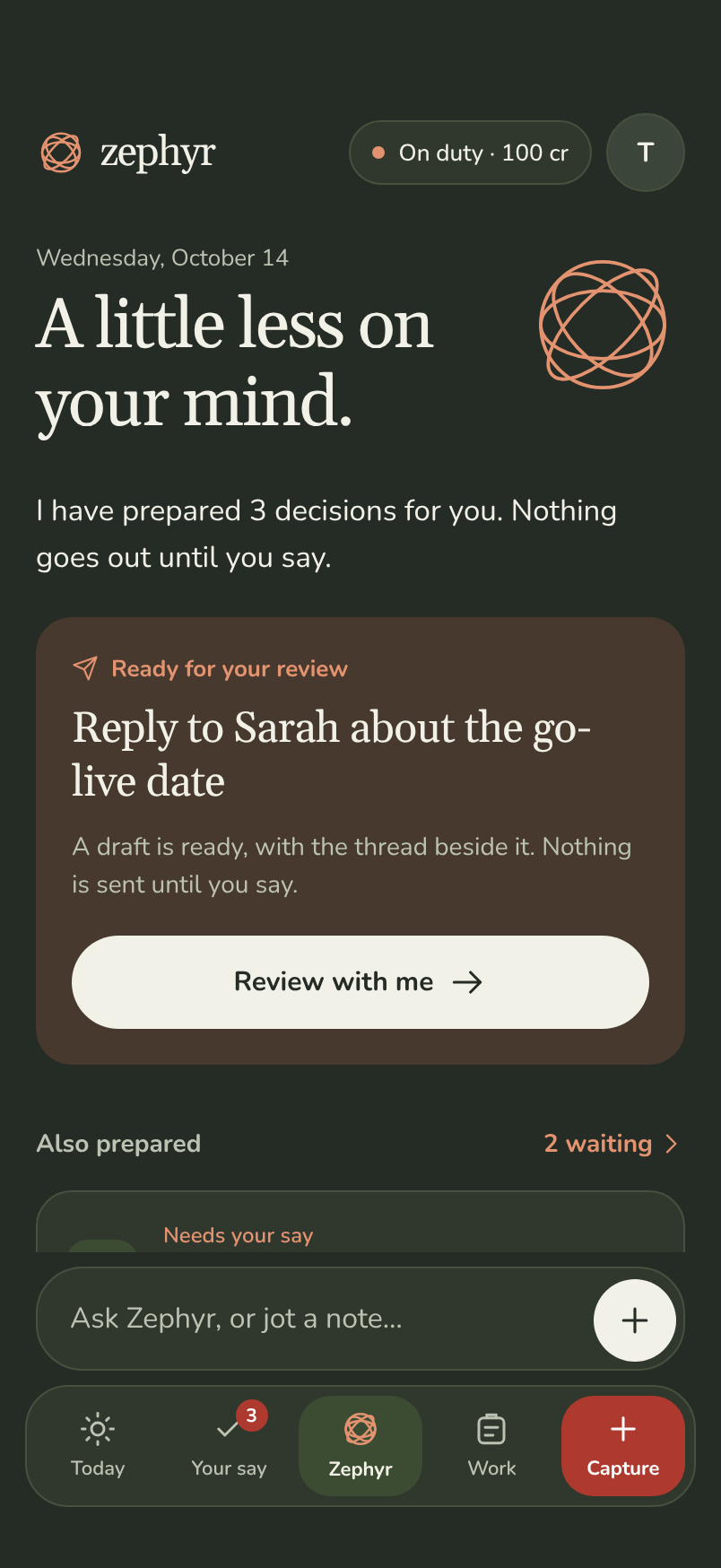
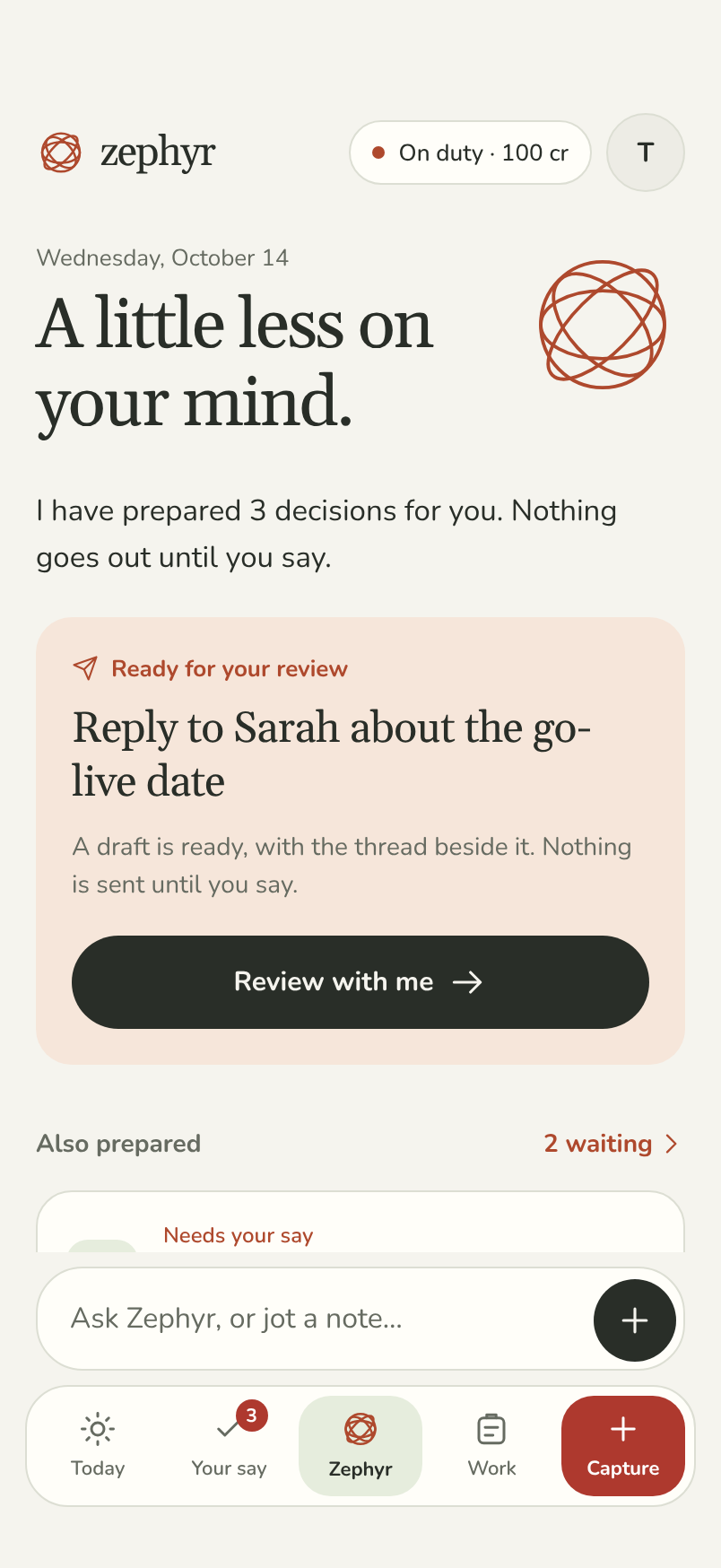
- Your approval before anything goes out
- A source behind every suggestion
- A receipt after the work is done
Less chasing.
More getting on.
Your inbox, diary and loose ends belong to the same working day. Zephyr brings the next steps together, ready for you to review.
A reply for Sarah.
Hi Sarah,
We’re planning to go live on Thursday, 15 October. I’ll confirm once the final site checks are complete.
Thanks,
Tom
Sarah’s email & launch thread · Sample source
Sample data. This page cannot send email or change calendars.
Move the supplier call.
CurrentToday, 10:30–11:00
ProposedToday, 14:30–15:00
John Okafor will be notified of the new time.
Your calendar & John’s shared availability · Sample source
Sample data. This page cannot send email or change calendars.
Staffing numbers from John.
John said he would send the staffing numbers before Friday. If nothing arrives by 09:00 on Friday, Zephyr reminds you.
John is not contacted.
Monday’s meeting notes · Sample source
Sample data. This page cannot send email or change calendars.
- 01
It reads.
Connected mail, calendars and your notes give the context. Nothing is marked, archived or moved while it reads.
- 02
It prepares.
A reply, a new time or a next step is waiting when you need it, with its sources attached.
- 03
You decide.
Review the wording and the effect. Edit it, approve it or decline it; an edit is a new version.
- 04
It keeps the record.
See what was approved, what happened and when it finished. Prepared, approved and done are never confused.
The small things add up
Start the day
with a shorter list.
A morning brief puts existing commitments in order. See what needs you, what can wait and what you’re waiting on.
Read about the morning brief- 1Send Sarah the revised scheduleToday, 11:00 · reply prepared
- 2Check the vendor contractProcurement · needs attention
- 3Staffing figures from JohnDue Friday · private reminder set
An illustrative morning brief.
A place for the work
between the work.
For people whose day is full of replies, meetings and remembering who said they would do what.
Catch a loose thought.
Turn a note into suggested next steps. Check what’s useful before adding it to your work.
Ask about your day.
“What am I waiting on from John?” Get an answer with the source close enough to check.
Keep some time clear.
Review a private hold for focused work. Keep shared changes and personal time distinct.
Follow the thread.
See the commitments attached to a person, instead of piecing them together from memory.
Keep the useful part.
Review suggested actions from meeting notes and carry the ones you choose into Work.
Know what it costs.
See the credit cost before a job runs. Your plan changes capacity; you keep the same say.
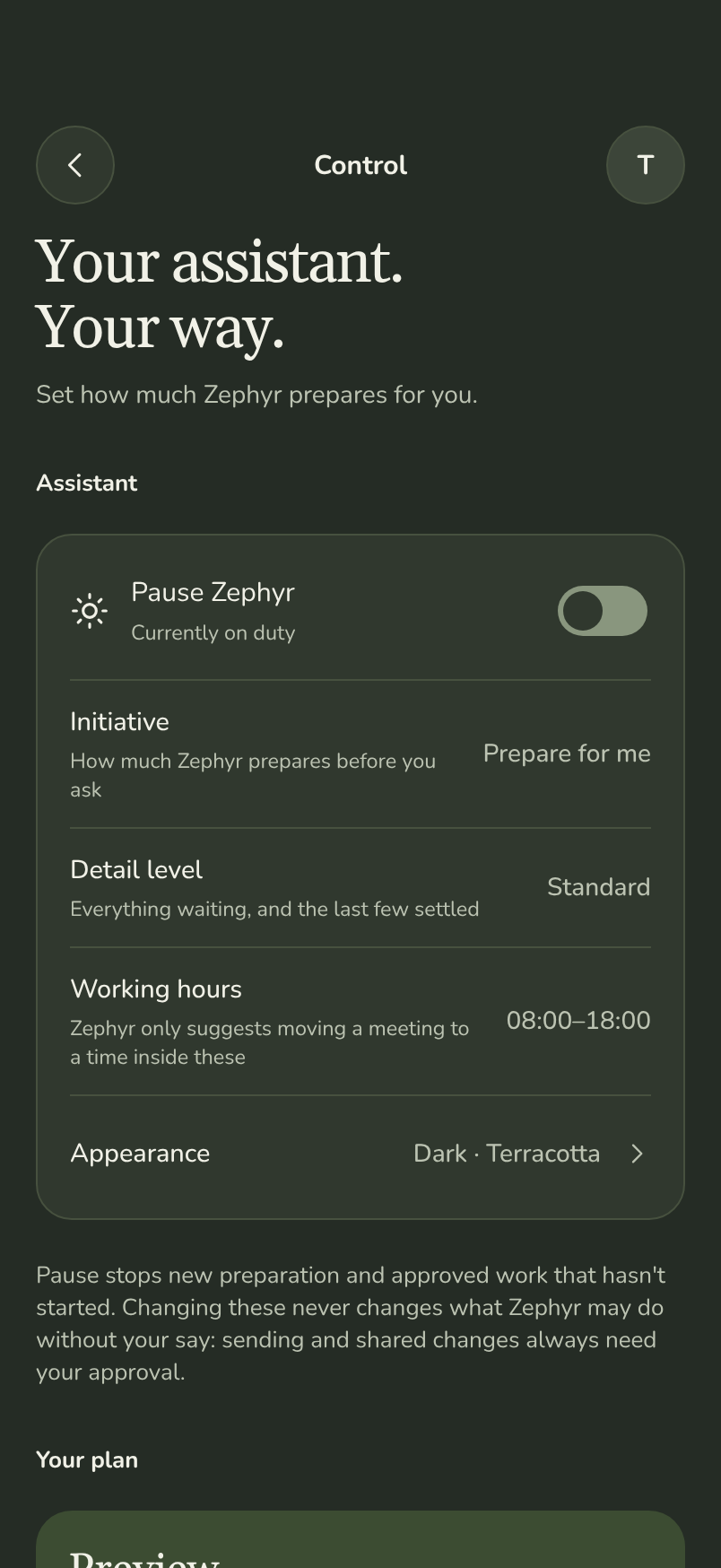
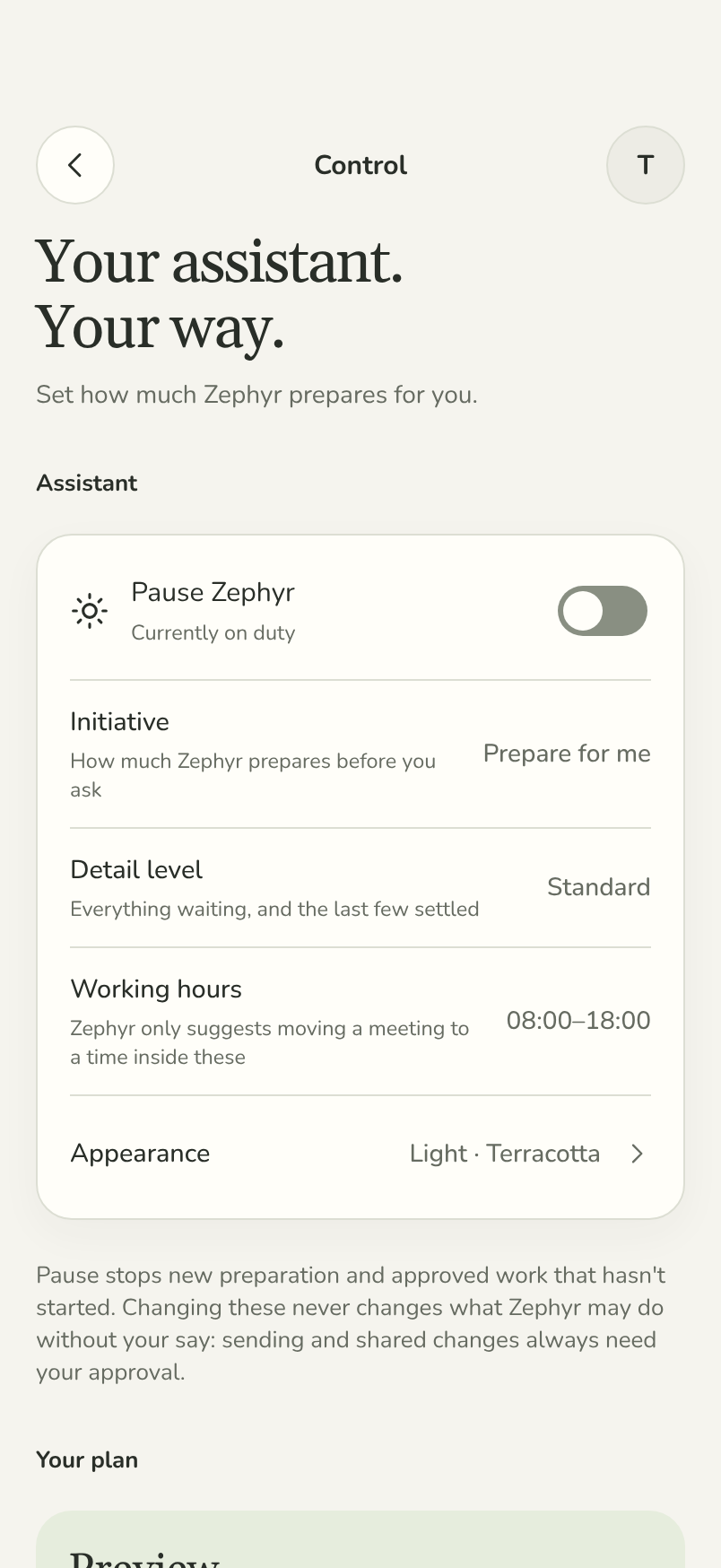
Your assistant. Your way.
A gentle hand.
Never a free hand.
Choose how much Zephyr prepares, how much detail you see and when it works. Changing any of them never changes what Zephyr may do without your say.
- On requestHelp when you ask for it.
- Prepare for meHave the next step ready to review.
- Coordinate for mePrepare coordination requests too. You still approve every external action.
Pause stops new preparation and approved work that hasn’t started. Sending and shared changes always need your approval.
Start with
a little help.
Try the workflows with a free preview. Choose more capacity when Zephyr is earning its place in your day. Every plan keeps your say on every action.
Preview
€0
100 credits to try it, once. No card.
- Try the real workflows on your own mail and calendar
- One mailbox and one calendar
- Seven days of background preparation
Plus
€39.99/ mo
650 credits a month
- Daily email and calendar coordination
- Two mailboxes and two calendars
- Schedules and triggers you set
Executive
€79.99/ mo
1,400 credits a month
- Sustained delegation across your work
- Four mailboxes and four calendars
- More tracked workflows at once
A question costs 1 credit; a morning brief costs 3. Each job’s price is fixed before it runs. Compare the plans.
Find the work hiding in your inbox.
Try the Workload Audit with anonymised messages to spot questions, dates and follow-ups. Nothing is uploaded anywhere.
Does Zephyr ever send anything on my behalf automatically?
No. Reading and preparing are automatic under the initiative level you choose; sending mail, changing shared events and contacting anyone always wait for your explicit approval of the exact proposal. Sending from Gmail and changing your calendar are also separate permissions you turn on per account. There is no approve-all, and a yes in chat does not count.
Is my data used to train AI models?
No. Your mail, calendar and chat content are never used to train models, ours or anyone else’s. Processing happens only to prepare the work you see.
What is a credit?
A credit is what one job costs. A question to Zephyr is one credit and a morning brief is three; each job’s price is fixed before it runs, so your balance never moves by surprise. Zephyr picks the model for each job, and a plan never buys you a worse answer.
Which chat apps are supported?
None for talking to Zephyr yet. Slack works differently: its Send to Zephyr message shortcut hands Zephyr one message you choose, and Zephyr does not read your channels or post in Slack. Zephyr will link a chat app only through the provider’s official route, once Zephyr is eligible for it, and verifies the link with a one-time code. Until then the app is where you talk to Zephyr and approve its work.
What happens if I edit a draft Zephyr prepared?
Your edit becomes a new version of the proposal and the original is superseded. Approval applies to the version you see, and the receipt records which version was sent.
Can I export or delete my data?
Yes. You can export your data and delete your account from Settings at any time. Deleting stops all processing and removes what Zephyr stored.
A lighter day,
one less thing at a time.
Let Zephyr get the next step ready.
Free preview · No card needed